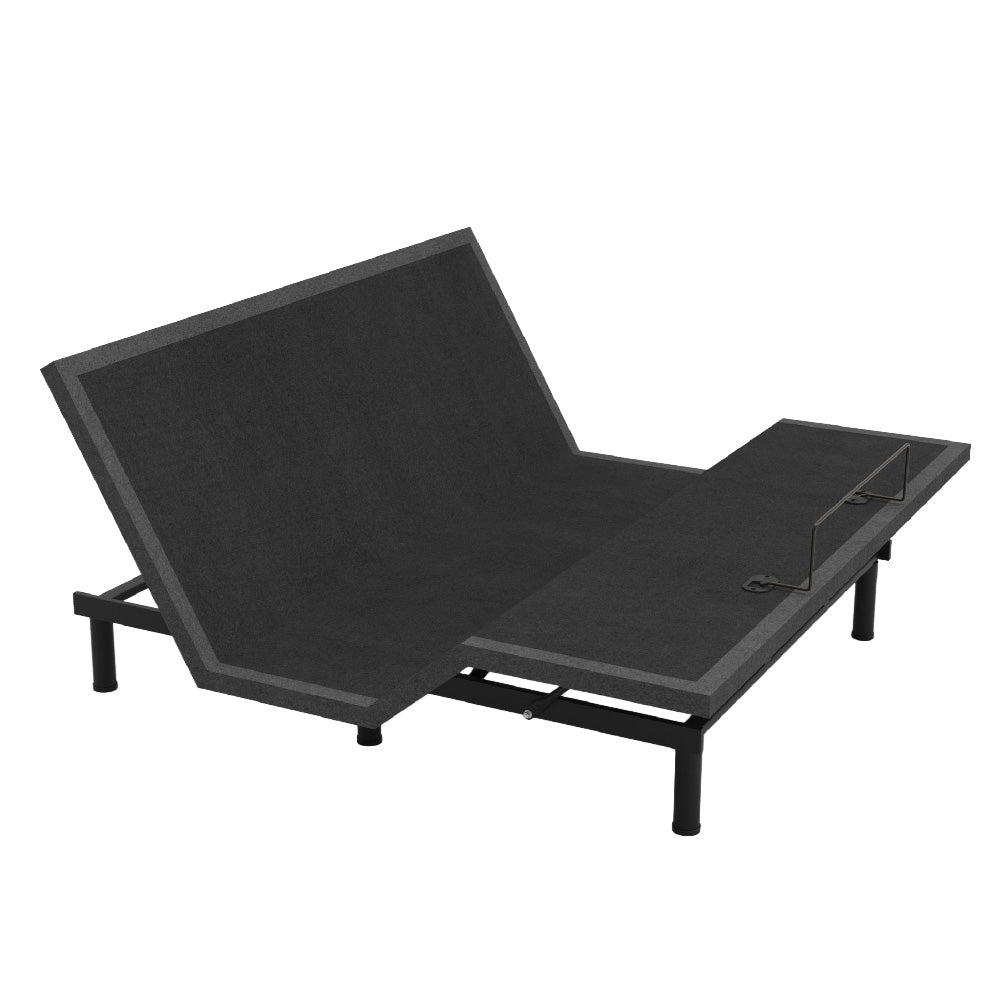
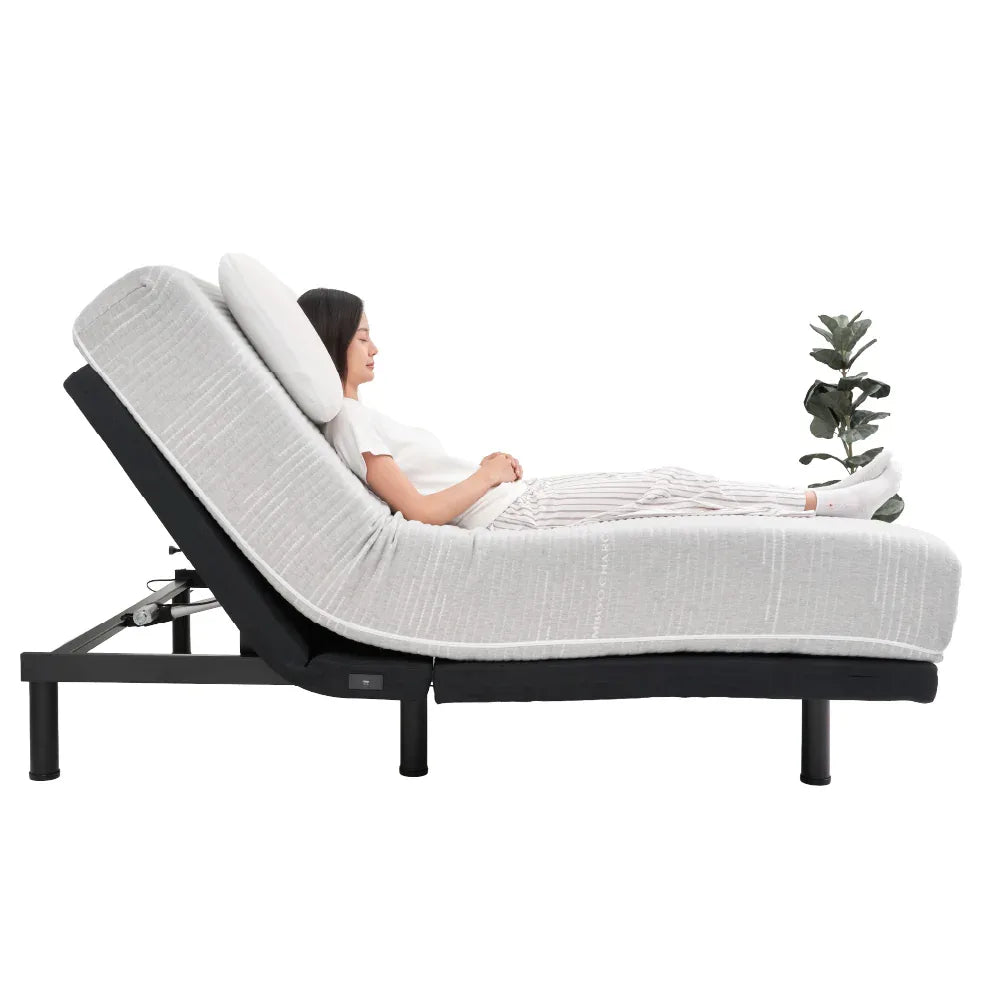
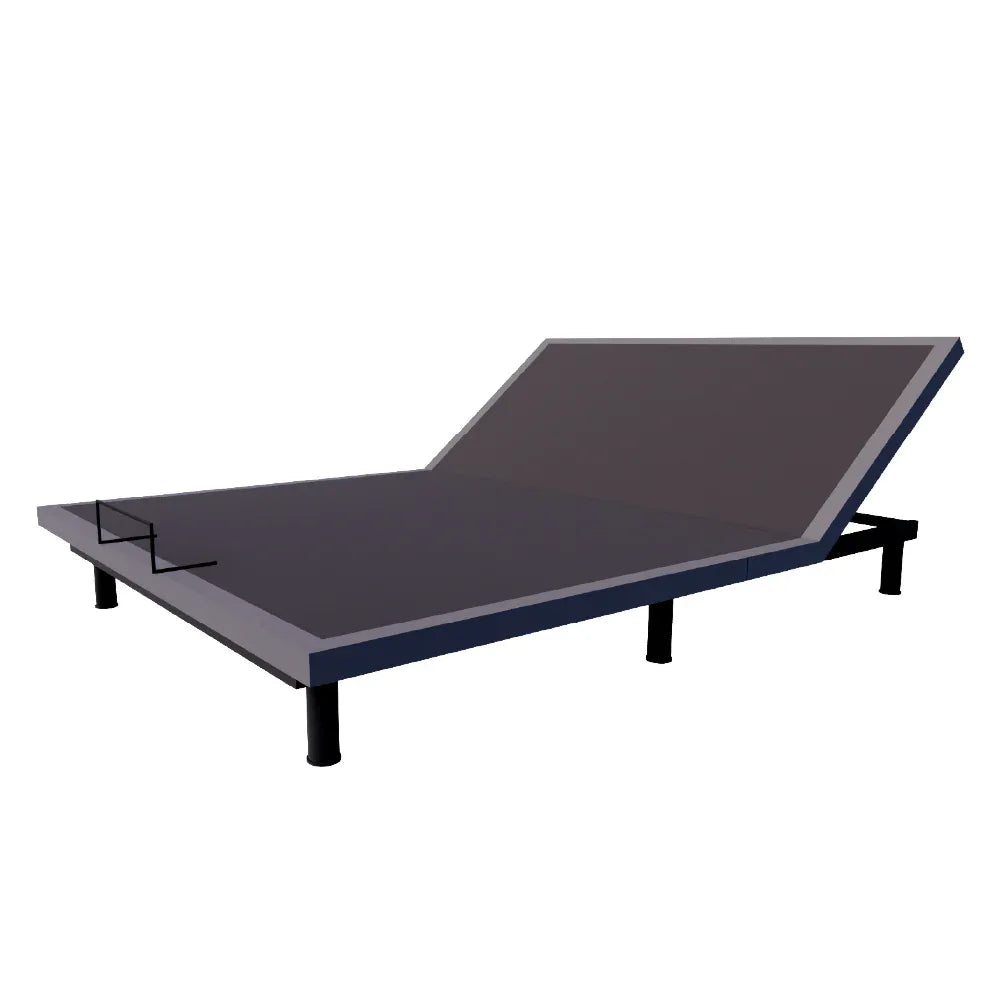

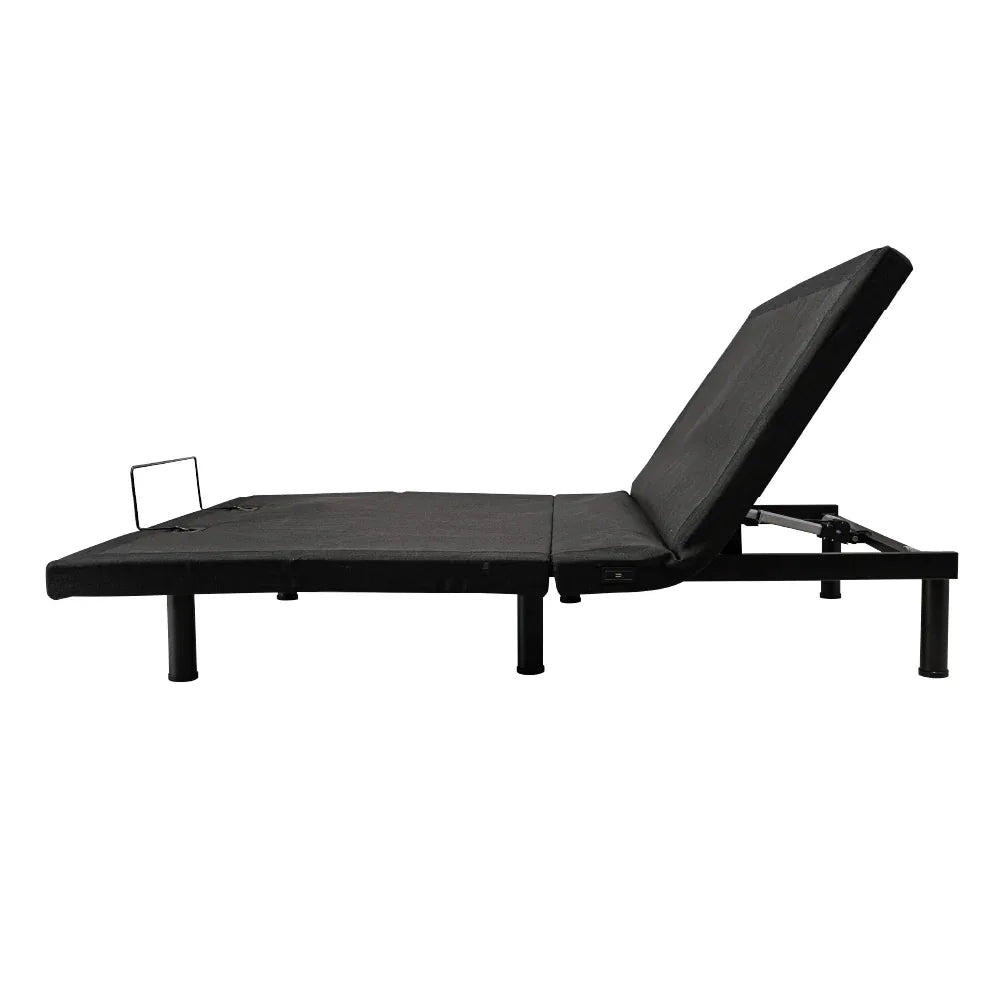
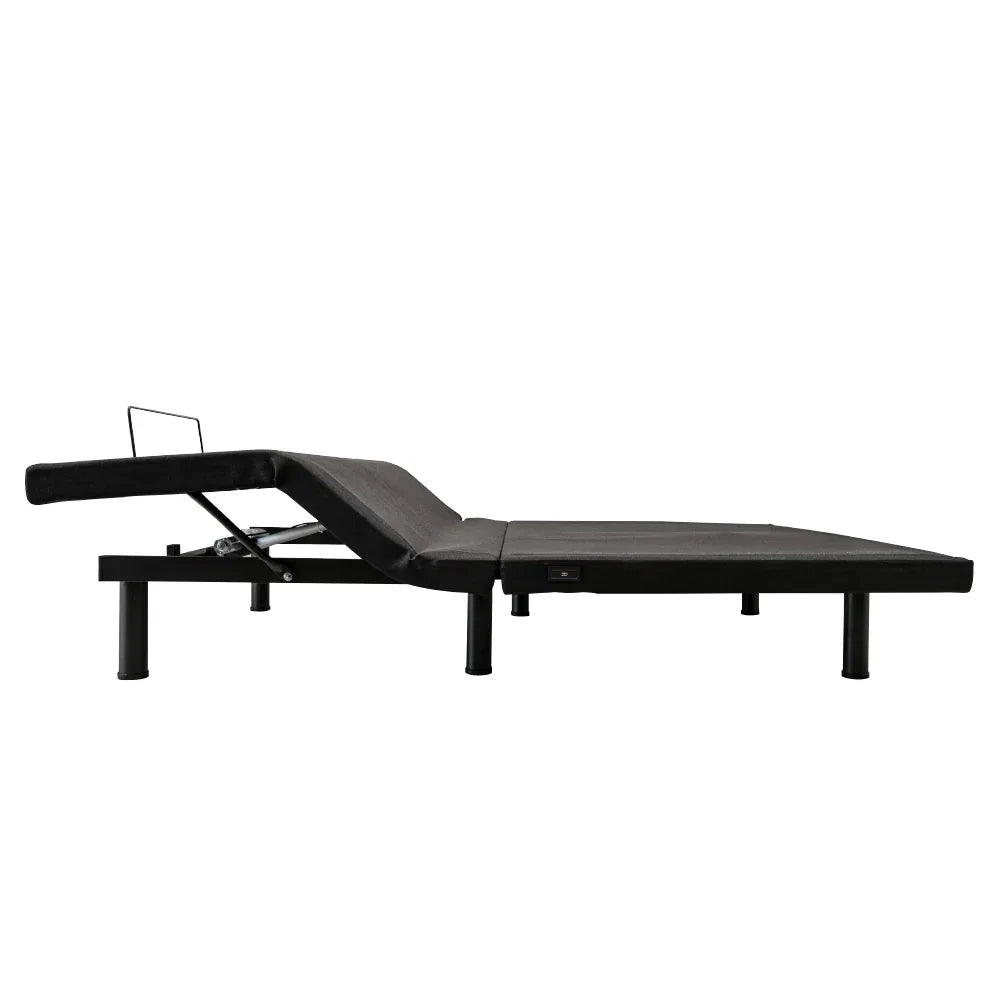
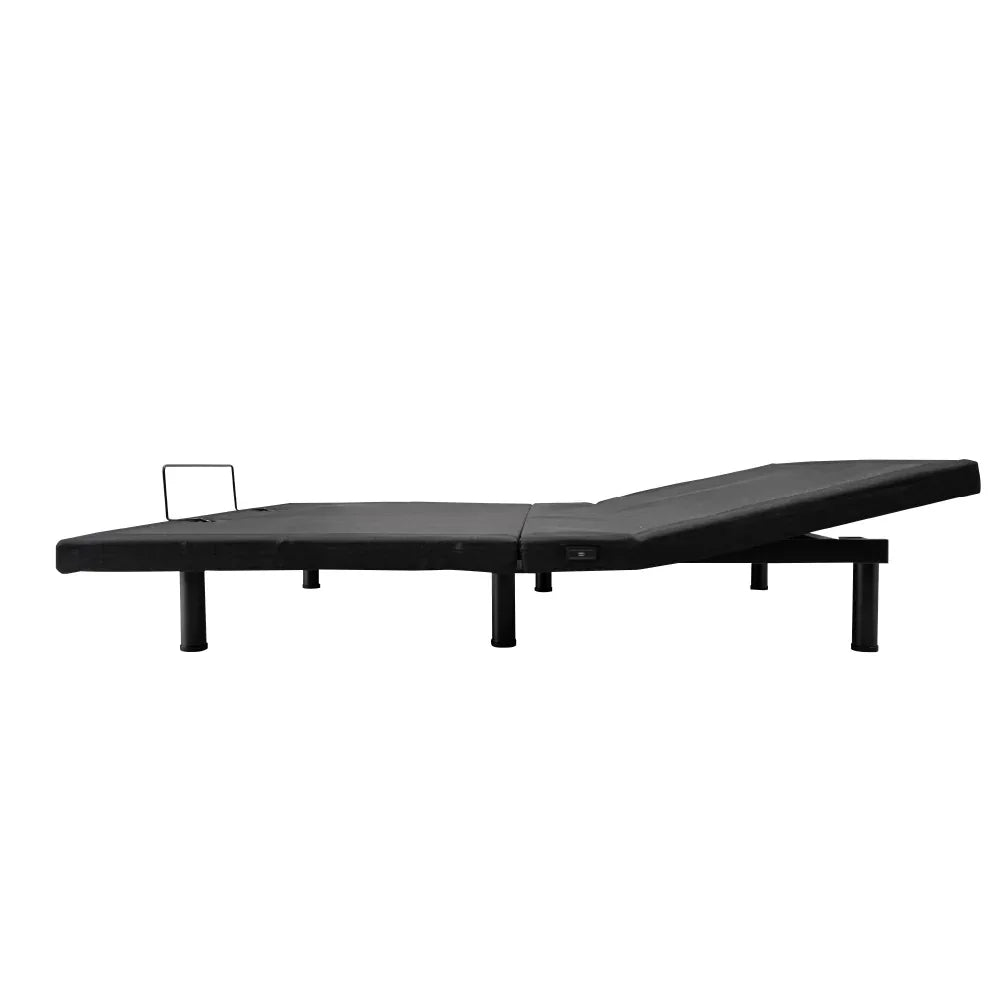
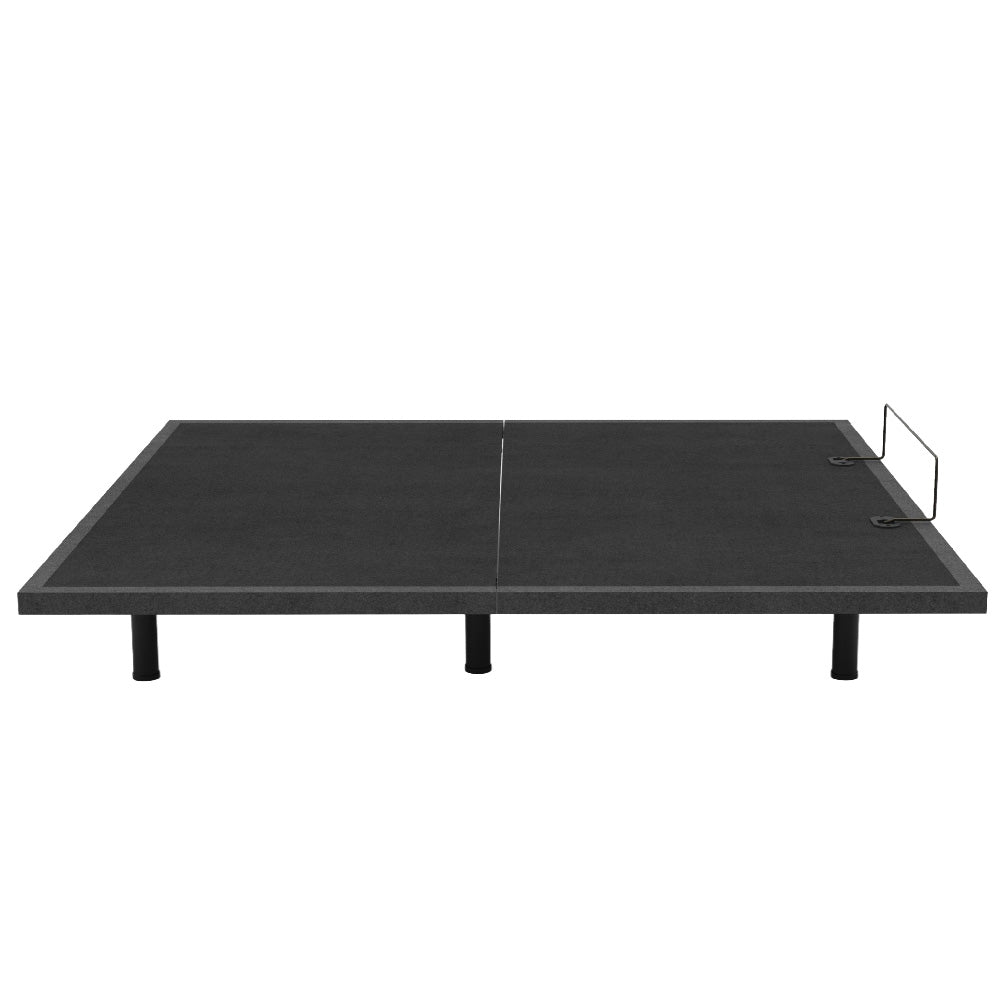

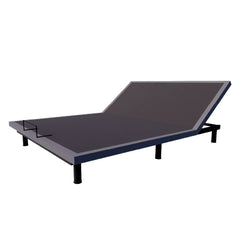
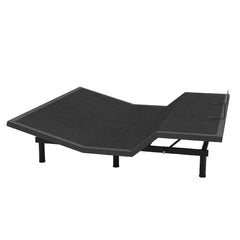
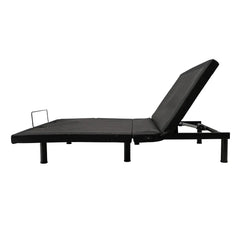
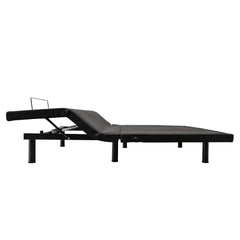
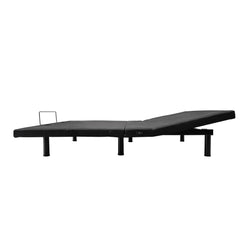
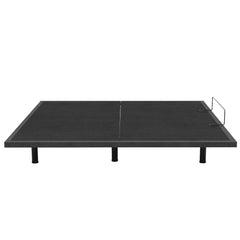
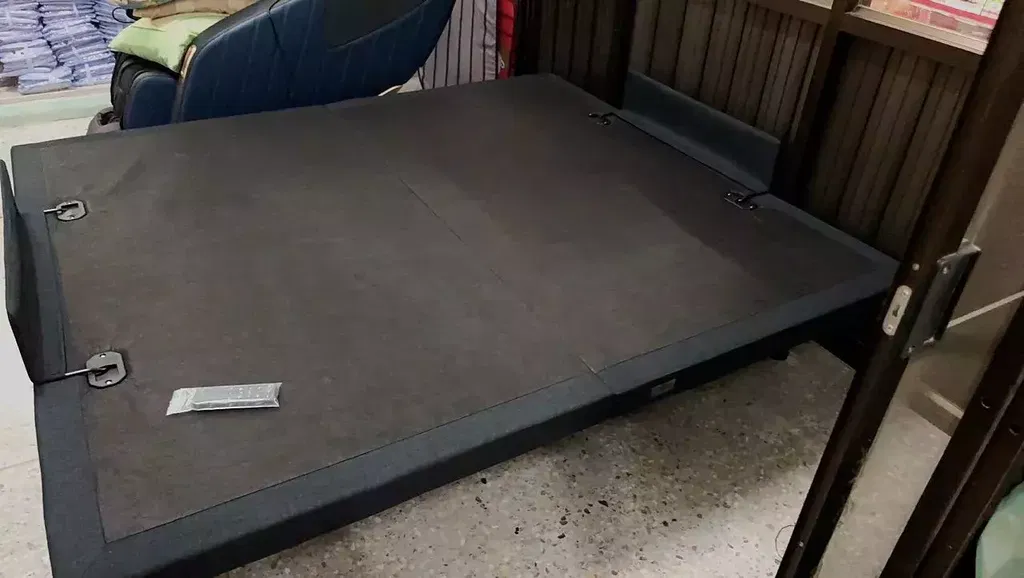
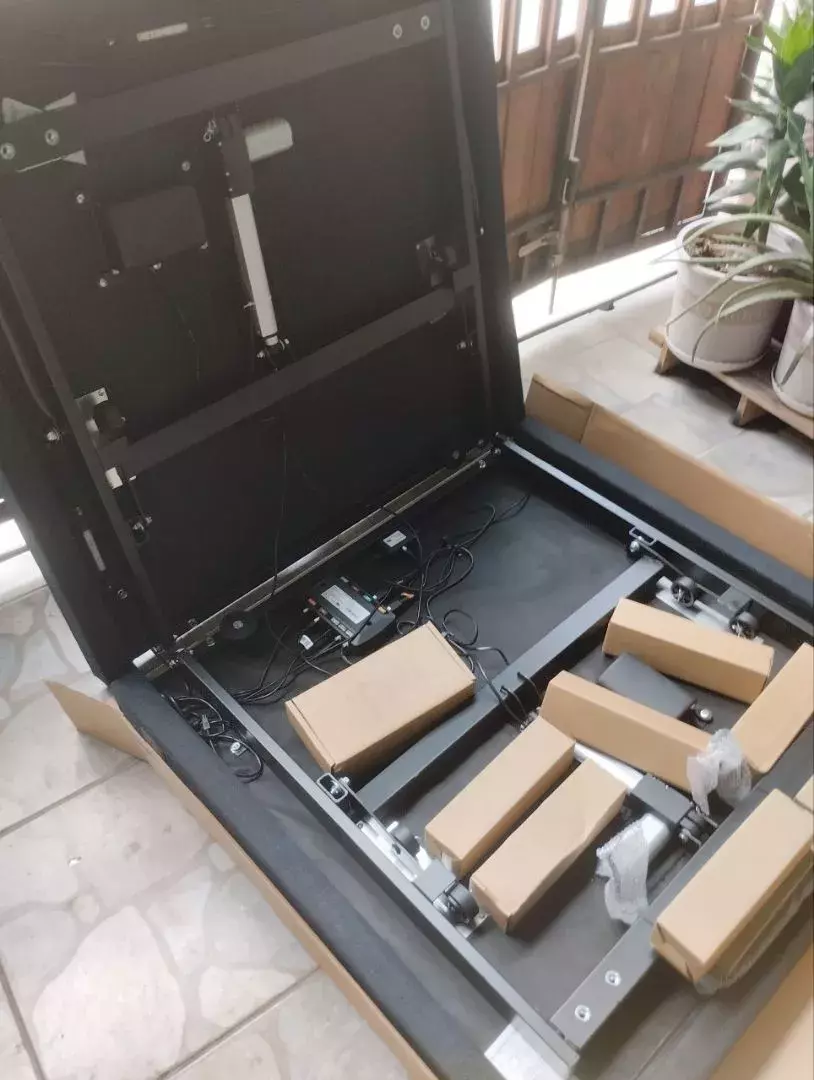
Gravity Electric Adjustable Bed
- 23,900.00 ฿
- 23,900.00 ฿
- Unit price
- per
SKU:
B10024


Product Size (ขนาดสินค้า)
- 3.5 feet, size W105xD200xH39
Box dimensions: 103x100x16
NW/GW : 45/49 - 5 feet, size W150xD200xH39
Box dimensions: 154x105x16
NW/GW : 60/66 - 6 feet, size W180xD200xH39
Box dimensions: 195x105x17
NW/GW : 80/86
Product Information (ข้อมูลสินค้า)
- FLAT POSITION: The bed is in a straight plane for correct sleeping posture and to help you sleep comfortably throughout the night.
- Zero gravity for healthier sleep because this function helps improve blood circulation.
It also helps you breathe deeper and relieves aches and pains while sleeping. - Head and foot adjustments provide comfortable reclining for various activities such as using a mobile phone, reading a book, watching television, etc.
- Head adjustment allows for comfortable reclining, relieving fatigue and allowing you to adjust the backrest to your preferred level.
- Foot adjustment is for resting your feet to relieve fatigue and improve blood circulation.
- Anti-Snore function helps prevent snoring that may occur during sleep. This function improves the breathing system while sleeping, thus reducing snoring.
- Massage Mode Head & Foot: For body relaxation before bedtime. This function provides a vibrating massage to help you relax and feel comfortable. There are two massage points:
The upper part refers to the area from the head to the lower back, and the lower part refers to the area from the hips to the feet. Relax completely from head to toe.
wireless remoteadjustable positions
*How to adjust
Head raise/lower button: Press and hold to raise or lower the head section.
Foot raise/lower button: Press and hold to raise or lower the foot.
*One-touch button
Press to adjust and save the base adjustment settings to memory.
"MEMORY1" or "MEMORY2"
Step 1. Use the wireless remote to adjust the base to your desired position.
Step 2. Press and hold "M1" or "M2" for more than 3 seconds, or until you hear a beep.
From the control box and the light on the back of the wireless remote, it will illuminate twice, which means that...
The base position you've adjusted to your liking has been saved.
Massage mode: Press to massage the head / feet.
Press the button once to activate the massage system, and press again to increase the intensity level by one.
There are three intensity levels to choose from. If you press the button again after the third press, the massage system will turn off.
Additionally, the massage motor will automatically shut off after 30 minutes of use.
Press to stop the massage.
Press down to raise your feet slightly higher than your chest to help with blood circulation.
Returning to the heart helps improve blood circulation.
Press to adjust the bed base to a level position.
Press the button to turn on the under-bed light. The light will turn off if the button is not pressed. After 10 minutes, the light will be deactivated.
To adjust the base to a position that reduces the risk of snoring.
Programmed to improve respiratory function during sleep.
*accessory options
Under-bed lighting
USB charger
Bluetooth
stabilizer brackets
headboard brackets
adjustable legs
Product Warranty (การรับประกันสินค้า)
Gravity Electric Adjustable Bed [ 5-Year Warranty** ]
**Conditions: Warranty covers only the motor and bed frame for 5 years (excluding breakage or damage from jumping or misuse, which are not covered under warranty).**
Related Products
Example product title
- From 23,900.00 ฿
37,000.00 ฿- From 23,900.00 ฿
- Unit price
- per
Example product title
- From 23,900.00 ฿
37,000.00 ฿- From 23,900.00 ฿
- Unit price
- per
Example product title
- From 23,900.00 ฿
37,000.00 ฿- From 23,900.00 ฿
- Unit price
- per
Example product title
- From 23,900.00 ฿
37,000.00 ฿- From 23,900.00 ฿
- Unit price
- per
Example product title
- From 23,900.00 ฿
37,000.00 ฿- From 23,900.00 ฿
- Unit price
- per
Example product title
- From 23,900.00 ฿
37,000.00 ฿- From 23,900.00 ฿
- Unit price
- per
Example product title
- From 23,900.00 ฿
37,000.00 ฿- From 23,900.00 ฿
- Unit price
- per
Example product title
- From 23,900.00 ฿
37,000.00 ฿- From 23,900.00 ฿
- Unit price
- per
Example product title
- From 23,900.00 ฿
37,000.00 ฿- From 23,900.00 ฿
- Unit price
- per
Example product title
- From 23,900.00 ฿
37,000.00 ฿- From 23,900.00 ฿
- Unit price
- per
- Choosing a selection results in a full page refresh.