Back pain from sitting while working: How to fix it? (Effective solutions for office workers)

Back pain from prolonged sitting is a problem almost everyone in the modern workforce faces, especially those who sit in front of a computer for 6-10 hours or more per day.
But what many people misunderstand is:
👉 They think that just "stretching" or "taking frequent breaks" is enough. In reality...
The root cause of back pain often stems more from "sitting posture + equipment used" than you might think.

1. Slouching
-
Causes spinal imbalance
-
Overworks back muscles
-
A primary cause of Office Syndrome
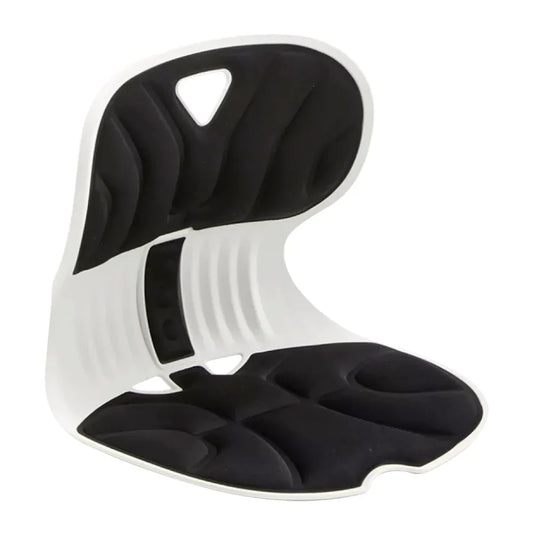
2. Chairs that don't support your body
-
No Lumbar Support (for lower back)
-
Seat is too hard/soft
-
Backrest doesn't conform to your body
👉 Causes your "back to bear the burden instead of the chair"
3. Sitting for too long (Static Sitting)
-
Poor blood circulation
-
Muscle fatigue without you realizing it
-
Risk of chronic pain
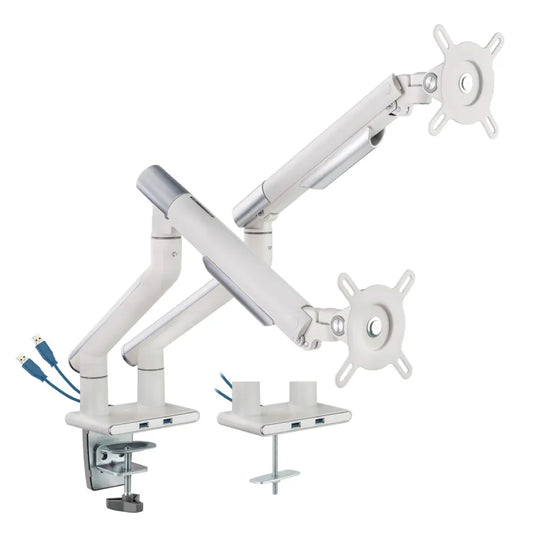
4. Desk/monitor not at the appropriate height
-
Looking down at the screen = neck pain + back pain
-
Shrugging shoulders = shoulder pain
How to relieve back pain from working (that actually works)

✅ 1. Adjust your sitting posture correctly (most important)
-
Straight back (not tense)
-
Hips against the backrest
-
Knees at ~90-degree angle
-
Feet flat on the floor
👉 "Your back needs support, not to use its own strength to prop itself up."
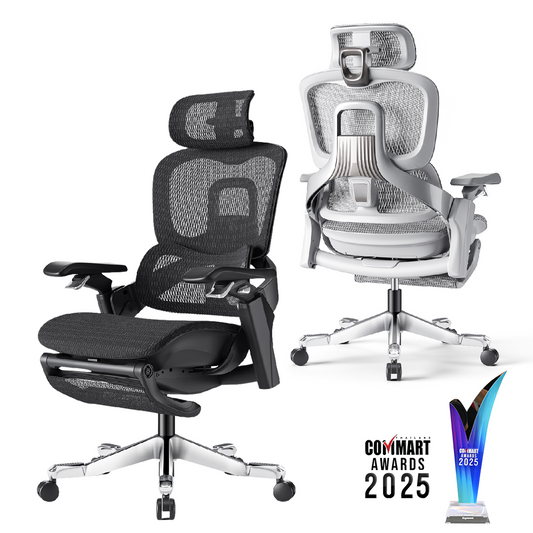
✅ 2. Use an Ergonomic chair
A good chair should have:
-
Adjustable Lumbar Support
-
Backrest that adjusts to body weight
-
Adjustable Seat Depth
💡 For example, a chair with a system for
automatic resistance adjustment (Dynamic Support)
will help ensure that "the backrest supports your back immediately when you sit," greatly reducing the burden on your back.
✅ 3. Change posture every 30-60 minutes
-
Get up and walk around
-
Stretch
- Choosing a selection results in a full page refresh.